
Automated Coding for Every Bill, Line Item, and Business Use Case
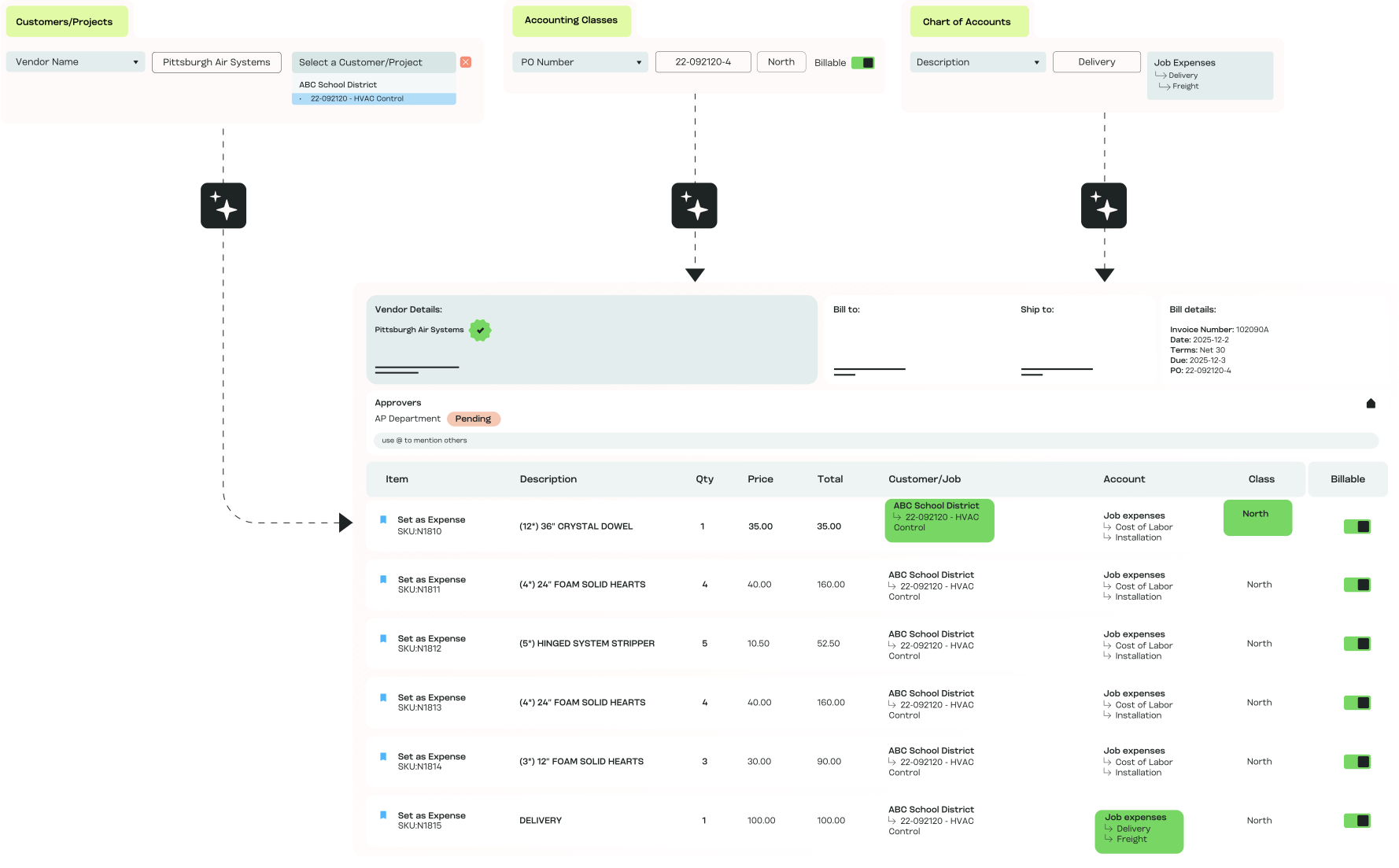
MakersHub reads the entire bill, learns your rules, and adapts with every transaction — so coding becomes faster, smarter, and more reliable.
.avif)
How Automated Coding Works for You

AI That Learns
MakersHub learns your coding patterns — from vendor to line item — and applies them automatically, so every bill follows your rules without rework.

Consistency at Scale
GL codes, projects, classes, and more stay uniform across teams, entities, and locations, no matter how complex your chart of accounts.

Close Books Faster
With automated bill coding handled upfront, reconciliation is cleaner and reporting is instant, shaving days off month-end close.

Error Prevention Built In
Gain visibility into where every dollar goes, protect margins, and prevent cash flow surprises.

Built for Complexity & Scale
Gain visibility into where every dollar goes, protect margins, and prevent cash flow surprises.
Turning Complex Workflows Into Seamless Systems
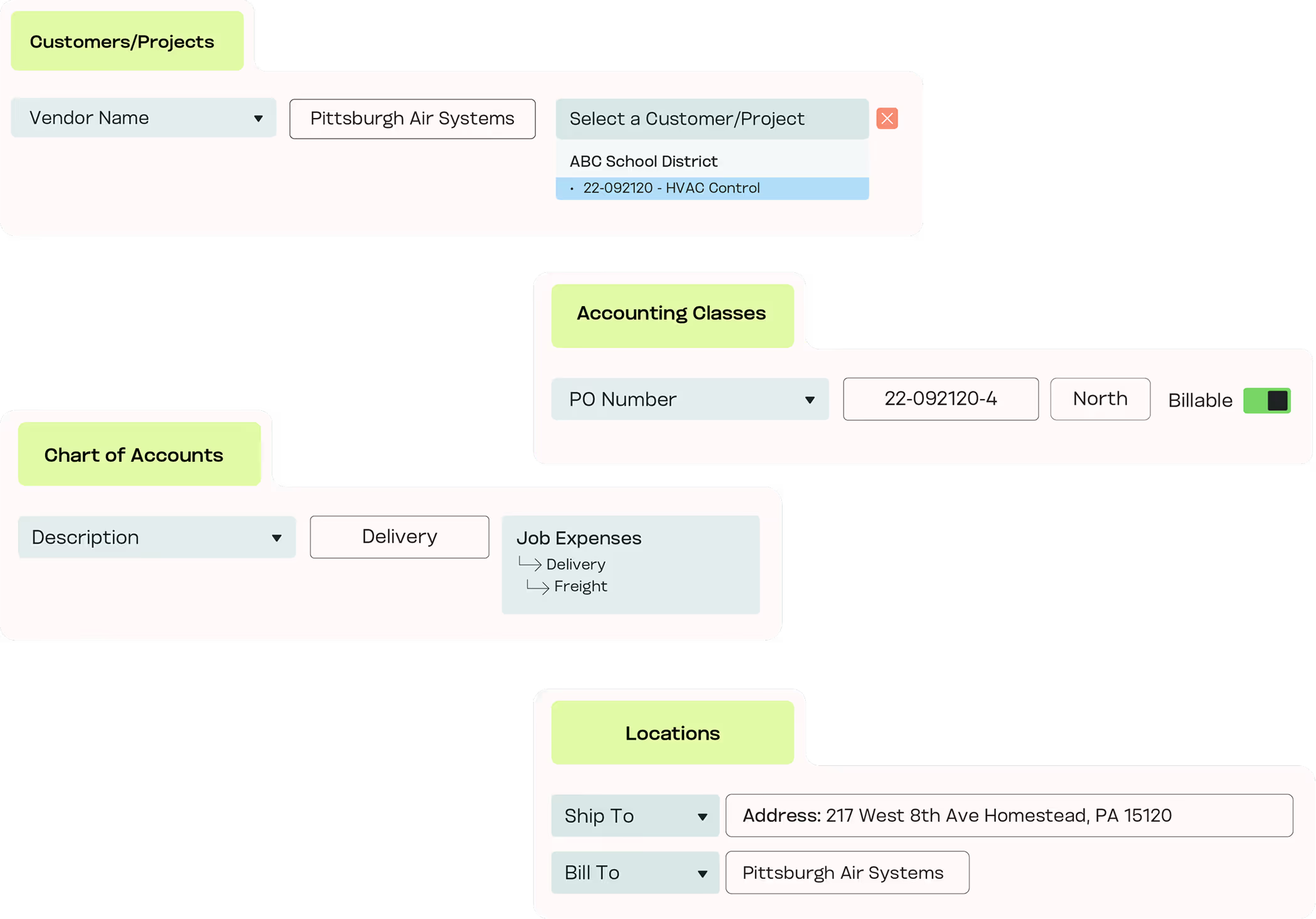
Flexible Coding Rules
Beyond basic GL mapping, MakersHub supports nuanced rules:
- Vendor invoices mapped to specific GL accounts
- Certain expense categories marked as billable and assigned to the correct class
- Project-related purchases automatically tagged to the right job or customer
- Line items containing “Sales Tax” routed directly to the Sales Tax Paid account
- Uncategorized expenses captured in a default GL until reviewed
Confidence in Every Report
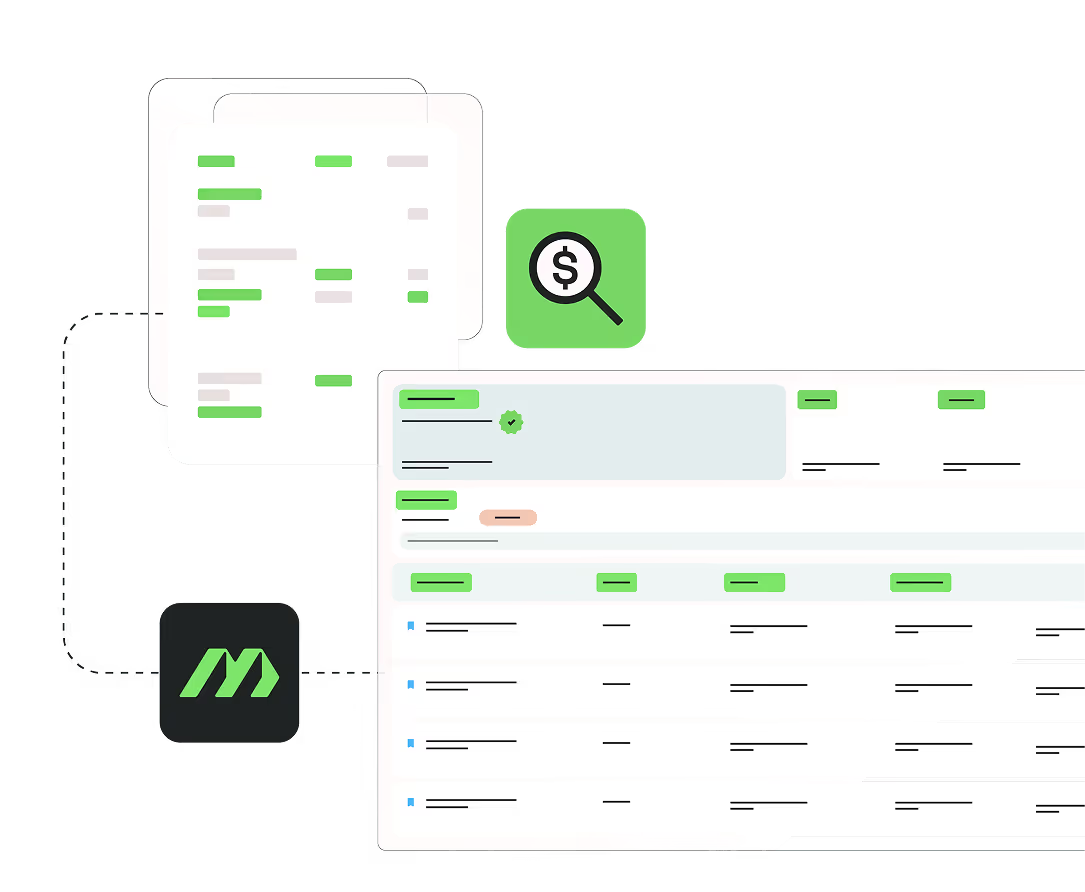
With accurate, rules-based AP coding applied to every bill, finance teams trust their numbers, auditors see clean data, and managers gain real-time insight into project and job costs.
Experience the difference firsthand
Key Features of Automated Coding

One-Time Setup
Configure GL, job, and project rules once.

Context-Specific Mapping
Route bills and line items directly to the right accounts.

Class & Billable Assignments
Apply classes and billable status automatically.

Line-Item Precision
Create rules down to descriptions, items, or keywords.

Default Catch-Alls
Direct uncategorized expenses to a holding account.

Multi-Entity Consistency
Apply rules uniformly across entities, departments, and locations.

Error Prevention
Flag duplicates or mismatches before they hit the books.
In Their Words
“MakersHub is amazing from start to finish. We receive a high volume of invoices with multiple line items that are charged to different accounts, projects and classes - what was once slow and cumbersome is now a breeze! ”
.avif)
Jackie Anthony, Owner
AllCents Consulting

FAQs
Not at all. MakersHub can auto-apply rules you define, but if automation isn’t desired, manual assignment is quick, easy, and just as seamless. You choose the level of automation that fits your workflow.
Very. You can create rules by vendor, category, class, project, or even keywords in line items. For example, you could map all marketing-related bills to the Marketing Expense GL, or route line items containing “Sales Tax” to the Sales Tax Paid account.
No. Approvals can run in sequence or parallel, and each approver only sees what’s relevant to them.
Yes. Projects, jobs, and GL codes can all be applied automatically to individual line items for precise cost tracking.
Absolutely. MakersHub ensures coding rules are applied consistently across entities, departments, and locations.
By applying rules consistently and flagging mismatches early, automated bill coding eliminates manual miscoding and prevents reconciliation issues.
Automate Coding,
Eliminate Errors.
Set rules once. Get accurate, consistent AP coding everywhere.